Chatbots for business: Telegram, WhatsApp or your website?
What is a chatbot?
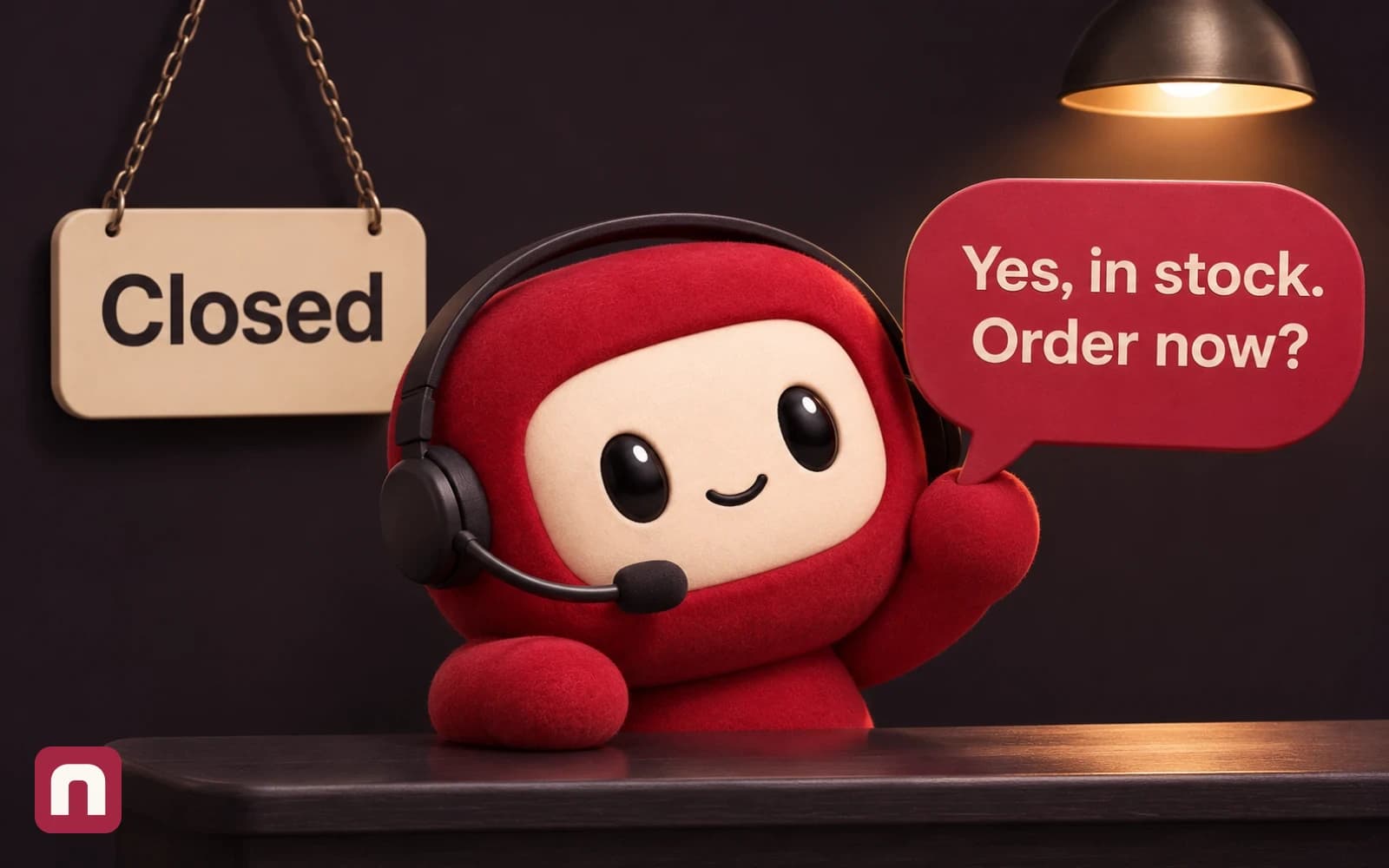
A chatbot is software that replies to customers in a chat instead of a person. The customer asks, the bot answers, and when needed it takes an order or enquiry and passes it to your team.
Button bot
The customer picks from ready options: «Prices», «Location», «Order». Simple and never wrong, but it only follows a script written in advance.
AI chatbot
It understands questions written in the customer's own words and answers from the information you give it about your business. Better when questions vary, but it needs well-prepared information and someone checking its answers.
What a chatbot can and can't do
- Answers instantly, day and night: hours, prices, location, delivery
- Collects orders, enquiries and bookings
- Takes the customer's name and number and passes them to your CRM system
- Frees the person who answers the same question a hundred times a day
Bots are poor at anything that needs judgement: complaints, haggling, unusual orders. A well-built bot hands those conversations to a person.
A chatbot doesn't replace your sales team; it takes the repetitive questions off their plate.
Which channel: Telegram, WhatsApp, Instagram or your website?
Telegram
Telegram's official Bot API is free and capable: buttons, menus, payments, notifications. If your customers already message you on Telegram, it's the simplest place to start.
The bot connects through Meta's WhatsApp Business Platform. You can reply freely within 24 hours of a customer's message; messages your business starts are sent as Meta-approved templates and are charged by Meta. If most of your customers use WhatsApp, the cost pays for itself.
Good for replying to messages from ads and posts. It also runs through Meta, with the same 24-hour window after the customer's last message.
Website chat
It doesn't depend on any outside platform: the look and the data are fully yours. Visitors get an answer without leaving the page.
The rule is simple: start where your customers already message you. The same bot and knowledge base can be connected to other channels later.
What to prepare for a bot
- Your 20–30 most common questions and the right answers
- Prices, hours, location, delivery and payment terms
- What the bot must not do, such as promising discounts
- When, and to whom, a conversation is handed over
- Where enquiries go: CRM, email or a Telegram group
An AI bot is only as good as the information you give it. When prices change, update the bot's knowledge base too.
Common mistakes
- No way to reach a person: the customer goes round in circles and leaves
- Forcing the bot to answer everything: it makes up what it doesn't know
- Nobody reads the conversations, so you never see where the bot goes wrong
- Asking for card details or passwords in the chat
Frequently asked questions
How much does a chatbot cost?
It depends on the number of channels, whether it's a button or AI bot, and CRM integration. On WhatsApp, Meta's own message fees are paid separately.
What if the bot gives a wrong answer?
The bot should answer only from verified information and hand over to a person when it isn't sure. Reading conversations regularly catches mistakes early.
Should customers know they're talking to a bot?
Yes, it's more honest to say so. When customers know it's a bot and can reach a person at any time, frustration drops.
Our service for this
AI chatbots and automation
An AI assistant that answers customer questions, automatic handling of orders and requests, and repetitive work handed over to software.
Related posts
All posts AI chatbot
What is an AI agent and what can it do for your business?
Which repetitive tasks can an AI agent take off your team? How it differs from a chatbot and where to start.
Read Mobile app
How much does it cost to make an app, and what drives the price?
What sets the price of a mobile app, which costs to plan for, and how to get an exact quote.
Read
Tell us about your project
We'll clarify what you need and send a written plan and price.