How to start an online store: a step-by-step guide
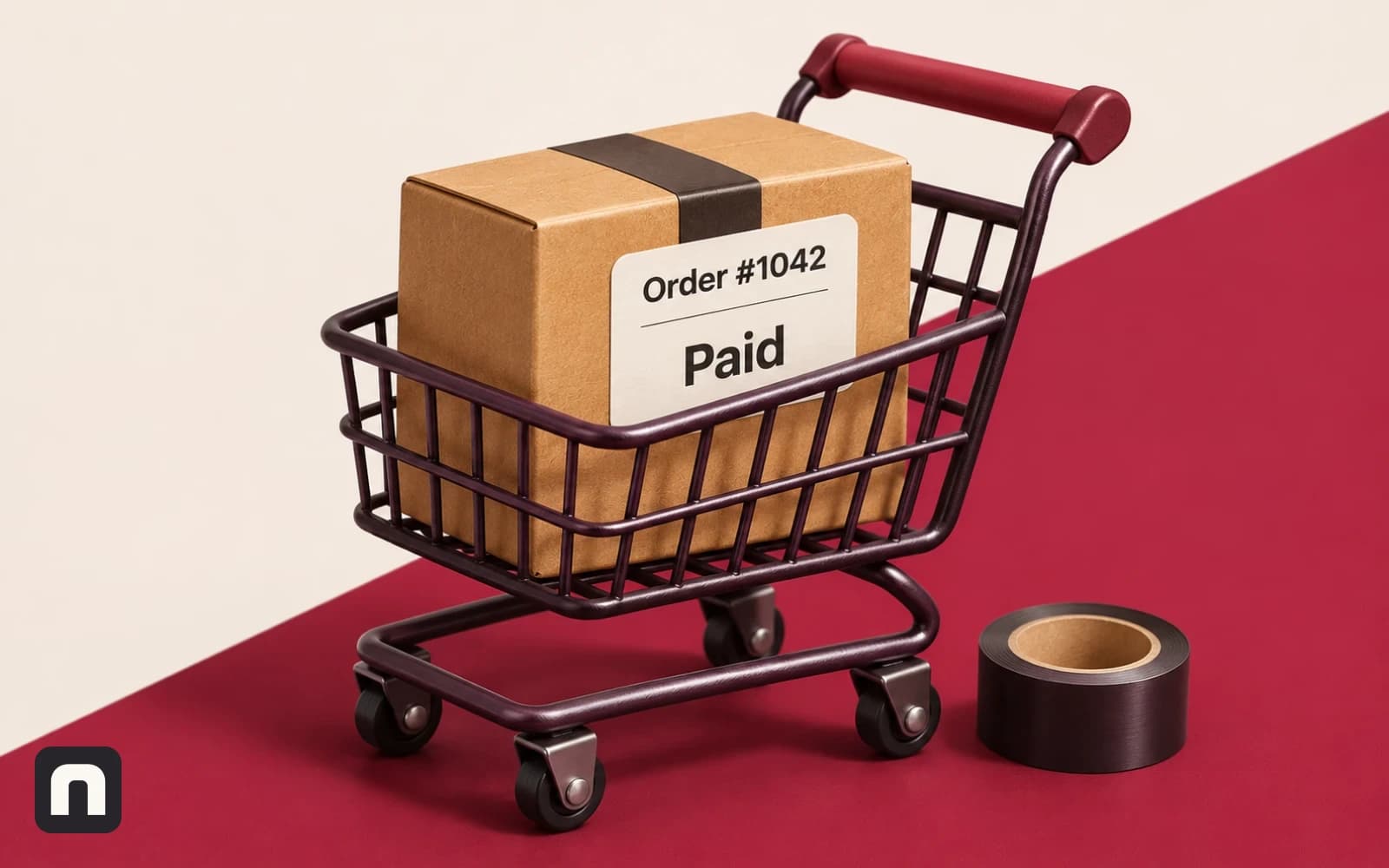
How do you start an online store? The short route
An online store is a website where customers choose a product, add it to a cart and place and pay for the order online. Starting one takes five steps:
- Decide what you sell, at what prices and on what delivery terms
- Choose where to sell: your own site, social media, a marketplace, or all three
- Prepare product photos and descriptions
- Connect online payment and delivery
- Make the store visible on Google and in ads
Your own store, social media or a marketplace?
Instagram and WhatsApp
The easiest way to start, but every order is taken in a chat: price, size, address, payment. As orders grow, staff spend their day answering messages, and no customers arrive from Google.
Marketplaces
They bring ready buyers, but take a commission on every sale, set the rules, and the customer belongs to the platform rather than to you.
Your own online store
The customer list, prices and design are yours, with no commission per sale. In return, you bring the traffic yourself: Google, ads and social media.
The best route is often a mix: your own store as the main place to sell, with marketplaces and social media as extra channels.
What do you need before you start?
- A product list: name, price, size or colour options, stock
- Clear photos of every product, ideally from several angles
- Descriptions in your own words: don't copy the supplier's text
- Delivery terms: where you ship, how fast, and at what cost
- A returns and exchange policy
- A payment agreement: providers usually require a registered business
How do you set up online payment?
Card payments need an agreement with a payment provider or your bank's card acquiring service. The checkout is connected to the store, and the customer enters card details on the provider's secure page; the store never stores them.
Offering cash or card on delivery alongside online payment helps a new store earn trust. The provider's fee is set in the agreement, so build it into your prices.
How do you manage delivery and orders?
- Give every order a status: received, being packed, shipped, delivered
- Notify the customer about the order by email, SMS or WhatsApp
- Reduce stock automatically after a sale, so nothing out of stock is sold
- Collect orders in one place, or in a CRM if you use one
Show the delivery cost and time up front. A customer who meets an unexpected charge at checkout abandons the cart.
How does an online store get found on Google?
- Each category has its own page, titled with the words customers search
- Product descriptions are unique, not the same text as other sites
- Images load fast and the store works well on phones
- Price and availability on product pages are marked up so Google can read them
SEO takes time, so ads usually bring the first sales and customers from Google grow over the following months.
The most common mistakes when starting an online store
- Waiting months to upload every product: start with your best sellers
- Showing the delivery cost only at checkout
- Not testing on phones, where most purchases happen
- Forcing customers to register: allow guest checkout
- Launching without a plan for where buyers will come from
Frequently asked questions
How much does it cost to start an online store?
It depends on the number of products and the payment and delivery integrations. At NLab an online store starts from $1,800. We explain what drives the price in how much a website costs.
I sell on Instagram. Do I need an online store?
If orders have grown and chats take up your time, yes. A store takes the order, payment and address without a conversation, and new customers searching Google can find it.
Hosted platform or a custom store?
Hosted platforms launch fast but charge a monthly fee, and you can only do what the platform allows. A custom store is more flexible for local banks, delivery services and accounting integrations.
How many products do I need to start?
You can start small. What matters is a good photo, description and clear price for every product; the catalogue grows later.
Can I manage the store myself?
Yes. You change products, prices, stock and orders in the admin panel, with no programming needed.
Will sales start as soon as the store opens?
Sales depend on how many buyers reach the store. If an ad, social media and SEO plan is ready at launch, the first orders come sooner.
Ready to start an online store? Write to us and we will reply within 24 hours.
Our service for this
- More about Online store development
Online store development
Catalogue, cart, online payment and instalments, and order management in one system. If you need it, prices and stock update themselves from your inventory system, such as 1C.
Related posts
All posts Mobile app
How much does it cost to make an app, and what drives the price?
What sets the price of a mobile app, which costs to plan for, and how to get an exact quote.
Read AI chatbot
What is an AI agent and what can it do for your business?
Which repetitive tasks can an AI agent take off your team? How it differs from a chatbot and where to start.
Read
Tell us about your project
We'll clarify what you need and send a written plan and price.