What is a CRM? What a CRM system does and when a business needs one
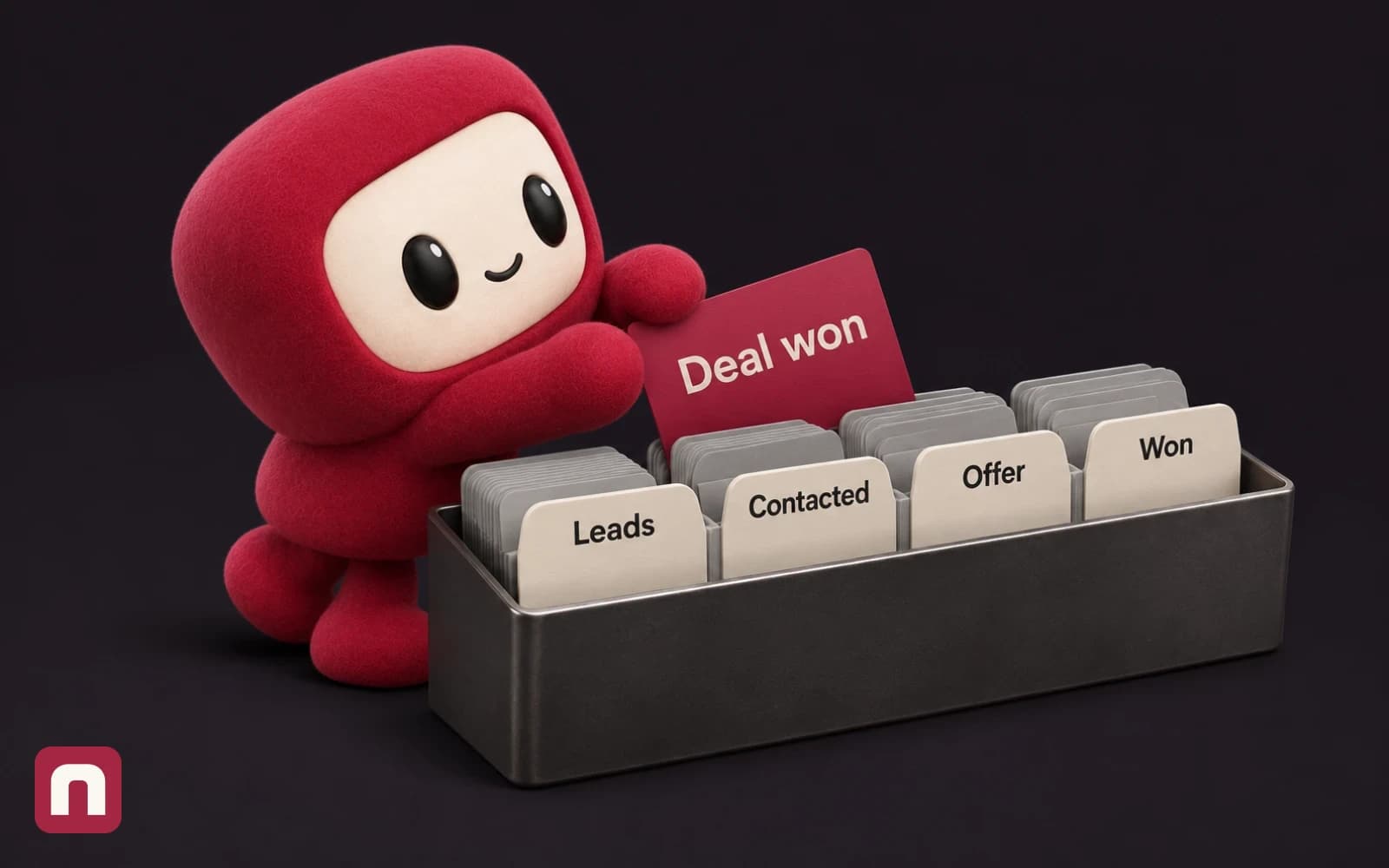
What is a CRM?
A CRM (customer relationship management) system keeps all of a company's customers, deals and conversations in one place. Who the customer is, when they got in touch, what they asked, which stage the deal is at and who owns it are all visible on one screen.
Without a CRM this information is scattered across sales reps' phones, WhatsApp chats, spreadsheets and notebooks. When an employee leaves, their customers leave with them.
What does a CRM system do?
Customer records
Each customer's name, phone number, order history, conversations and notes are kept on one record.
Sales pipeline
Each deal moves through stages: new enquiry, quote sent, negotiation, payment. Managers see how many customers sit at each stage and where they drop off.
Tasks and reminders
Tasks like «call back tomorrow» or «send the quote on Friday» don't get forgotten, and the system flags anything overdue.
Every enquiry in one place
Enquiries from your website, WhatsApp, Instagram and phone calls land in the CRM automatically, so none go unanswered.
Reports
Sales volume, each rep's results, where customers come from and which ads work are visible as numbers.
Who needs a CRM? Five signs
- Enquiries arrive through several channels and some go unanswered
- Several people sell and it is unclear who is handling which customer
- Promised callbacks or quotes get forgotten
- Sales reports are put together by hand in a spreadsheet
- Repeat sales and past customers are neglected
If two or three of these sound familiar, a CRM starts winning back customers you are currently losing.
CRM vs spreadsheet: what is the difference?
A spreadsheet is a table: you enter and update the data yourself, and it never reminds you of anything. When several people edit one file at once, errors and lost data follow.
A CRM is a working system: it captures enquiries itself, reminds people of tasks, records who changed what, and shows each employee only what they need.
What is the difference between a CRM and an ERP?
A CRM handles customers and sales: enquiries, deals and customer relationships. An ERP connects a company's internal resources: inventory, purchasing, production and finance. Many companies start with a CRM and need an ERP once inventory and production grow. More detail: what an ERP system is and how it differs from a CRM.
Off-the-shelf CRM or custom CRM?
Off-the-shelf CRM
Services such as HubSpot, Salesforce or Pipedrive start quickly and are usually billed monthly per user. They suit a standard sales process, but adapting them to your own rules can be limited.
Custom CRM
Built around your sales process, documents and systems: accounting software, website, WhatsApp, payments. There is no monthly fee per user, and the data stays on your own server. The upfront cost is higher than an off-the-shelf CRM.
The rule of thumb: if your process is standard, start with an off-the-shelf CRM; if you would have to change how you work to fit it, a custom CRM pays off.
How do you roll out a CRM?
- Write down your sales process: where enquiries come from and which stages they pass
- Decide what data to keep: what belongs on a customer record
- Connect your channels: website, WhatsApp, Instagram, phone
- Import your existing customer list from spreadsheets
- Train the team and stop tracking work outside the CRM
- After the first month, review the reports and adjust the stages
Frequently asked questions
How much does a CRM cost?
Off-the-shelf CRMs charge a monthly fee per user. A custom CRM's price depends on its modules and integrations; we give the exact figure in a written plan.
Does a small business need a CRM?
If enquiries come through several channels and some get lost, yes. Even a two- or three-person team loses fewer customers with a simple CRM.
Can a CRM work with accounting software?
Yes. Accounting stays where it is and is integrated with the CRM, so orders, invoices and payments pass between the two systems.
Is my data safe?
Each employee sees only what their role allows, and every change is logged. With a custom CRM the data is stored on your own server.
What if the team doesn't want to use the CRM?
The usual reason is that the system is awkward. A CRM should take work away: enquiries arrive on their own and reminders come on their own. A simple system built around the process is easier to adopt.
How long does it take to set up a CRM?
An off-the-shelf CRM can be running within days. A custom CRM's timeline depends on the number of modules and is set out in a written plan before work starts.
Thinking about a CRM for your business? Write to us and we will reply within 24 hours.
Our service for this
- More about CRM development
CRM development
Customers, enquiries, orders and payments in one place: no enquiry gets lost, and you can see where sales stall. If an off-the-shelf CRM fits your work, we set it up. If not, we build one around how you work.
Related posts
All posts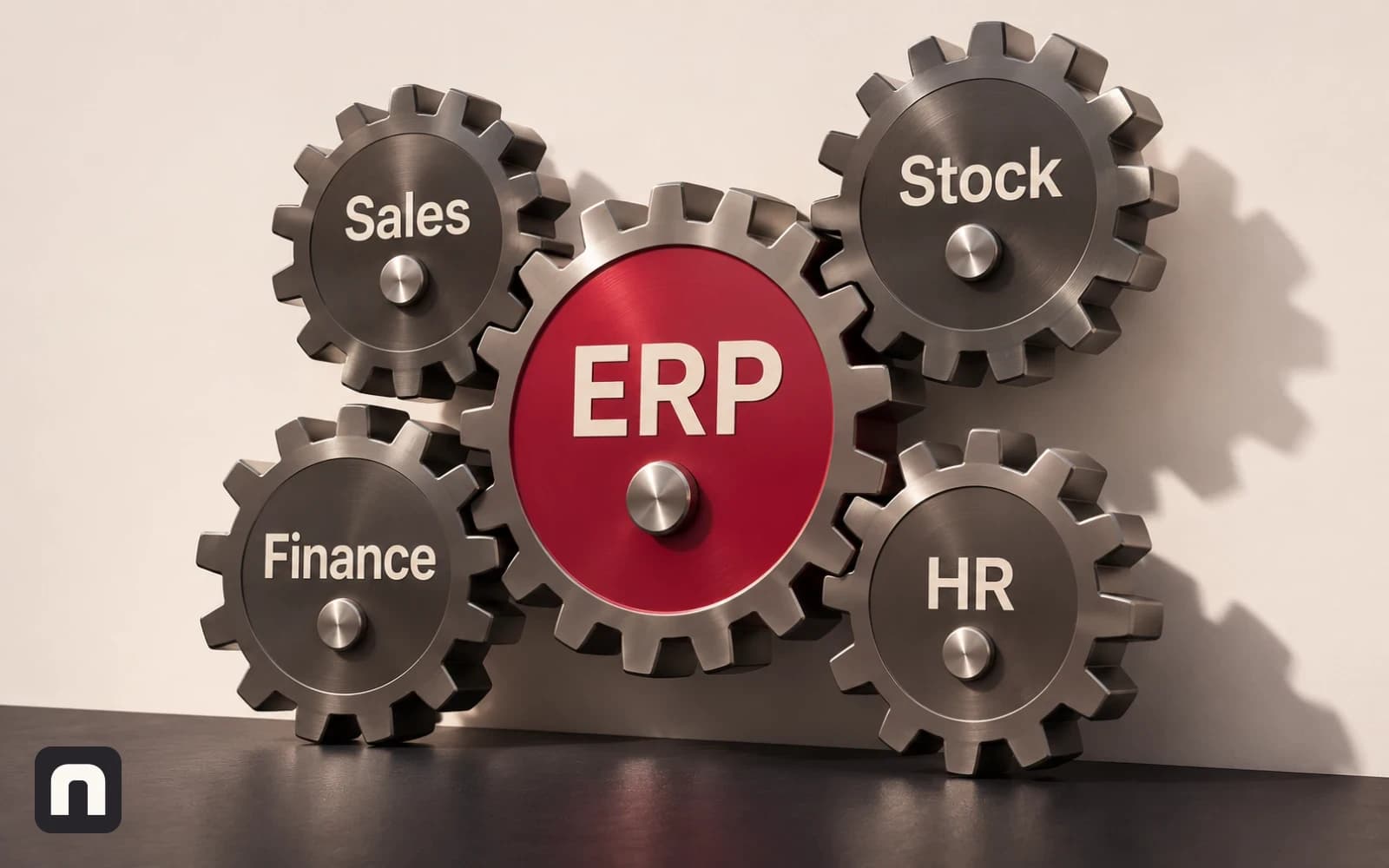 CRM & ERP
What is an ERP system and how is it different from a CRM?
An ERP brings a company's finance, inventory, purchasing and sales into one system. A plain-language guide to when you need one and how it differs from a CRM.
Read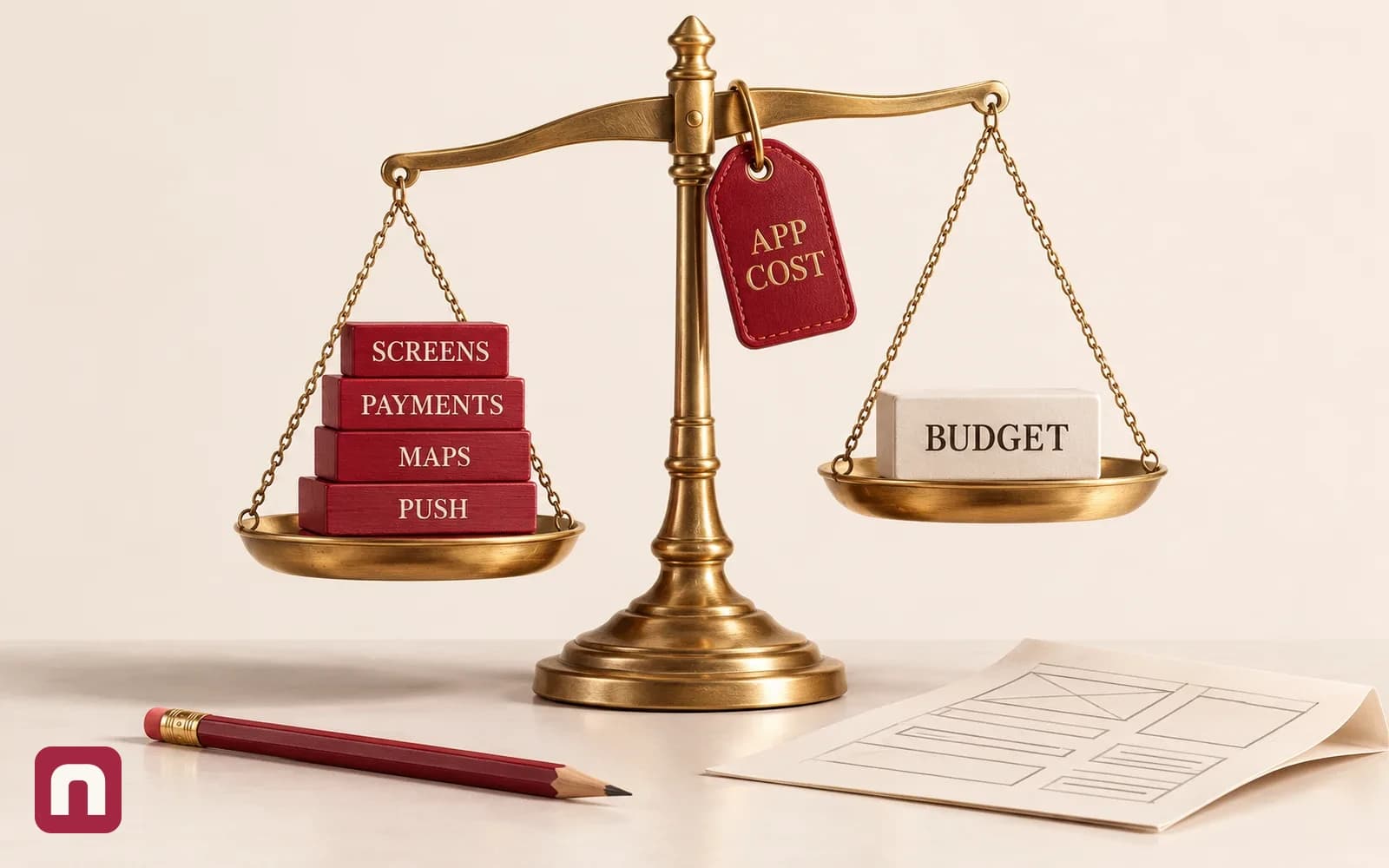 Mobile app
How much does it cost to make an app, and what drives the price?
What sets the price of a mobile app, which costs to plan for, and how to get an exact quote.
Read
Tell us about your project
We'll clarify what you need and send a written plan and price.